Before you
convert.
Answers about HEIC, JPG quality, batch conversion, privacy, originals, metadata, and save locations.
What is a HEIC file?
HEIC is a common filename extension for images stored using the High Efficiency Image File Format. Many iPhones use it because it stores photos efficiently, but some websites, apps, and older systems still request JPG or JPEG.
How do I convert HEIC to JPG on iPhone?
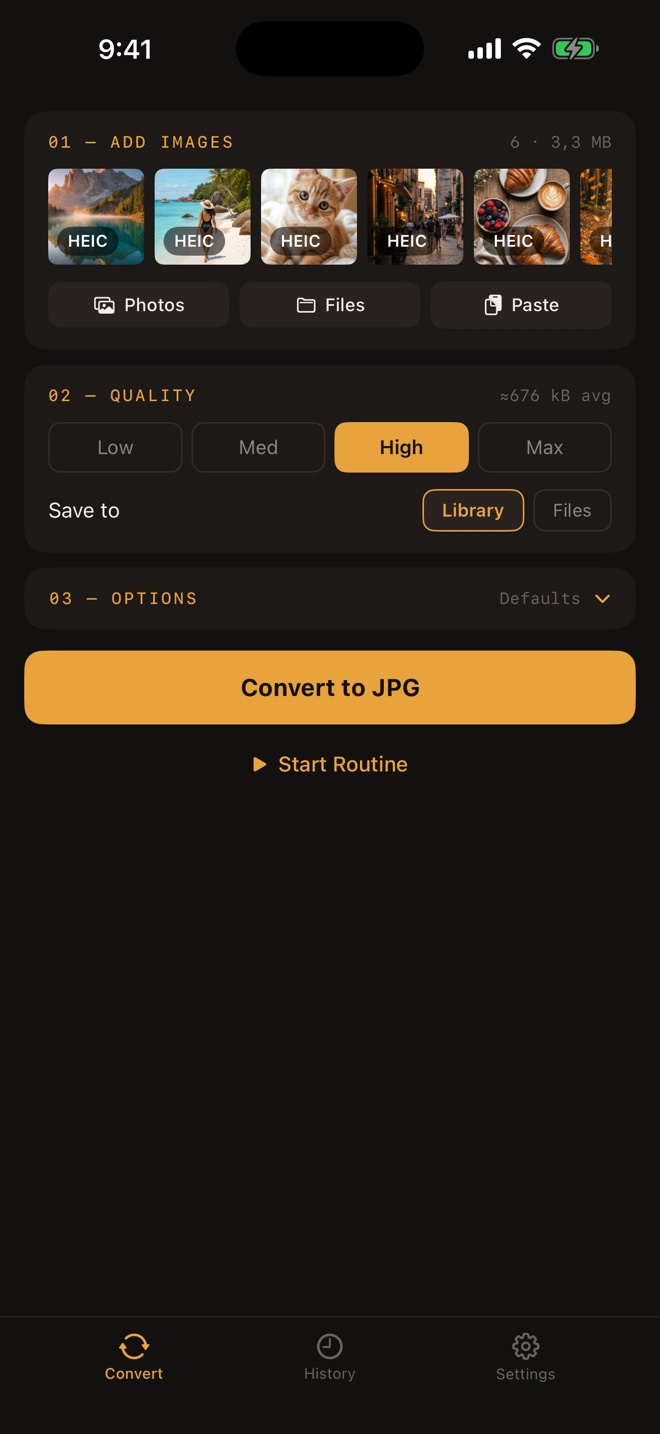
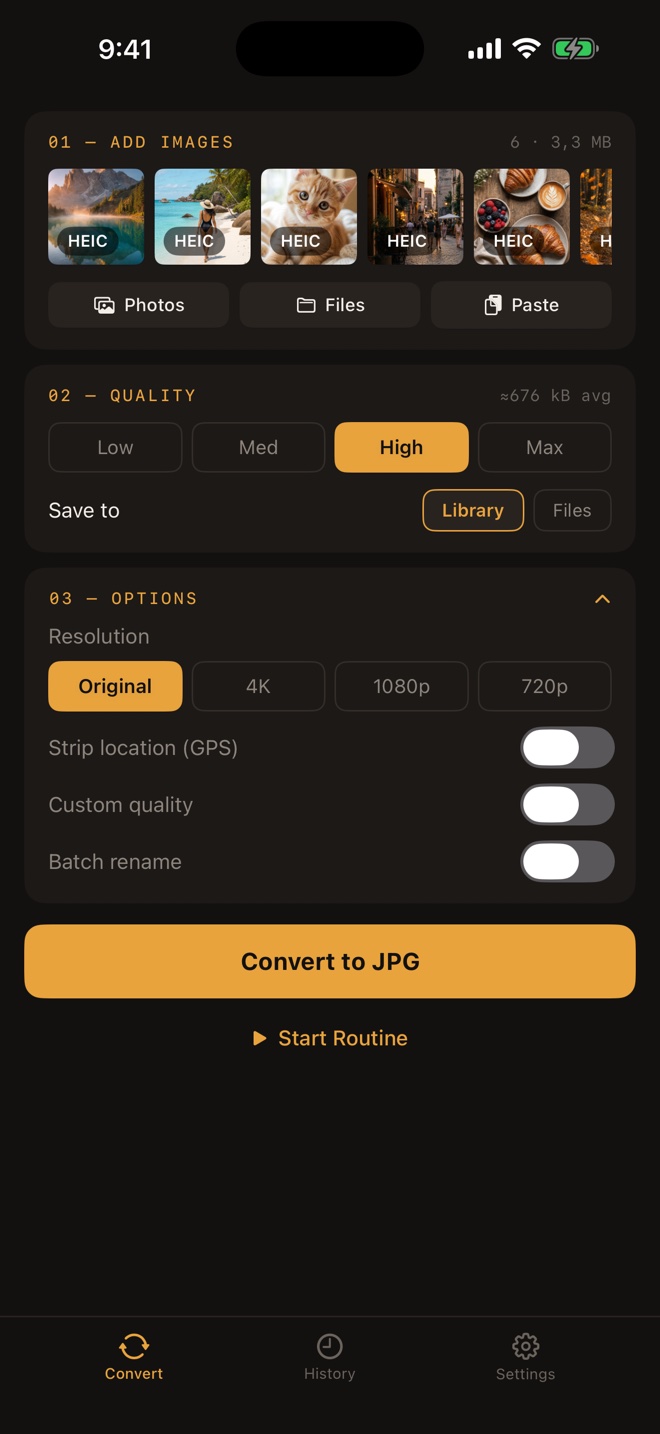
Import a HEIC photo from Photos or Files, choose the JPG quality and resolution, decide whether to keep location metadata, convert it on the iPhone, and save the result to Photos or Files.
Can I convert multiple HEIC photos at once?
Yes. Select a batch of HEIC photos and apply the same JPG quality, resolution, and location-metadata choices to the group.
Are my photos uploaded?
No upload is required for conversion. Processing happens on the iPhone instead of sending the selected photos to a remote converter.
Does conversion delete the original?
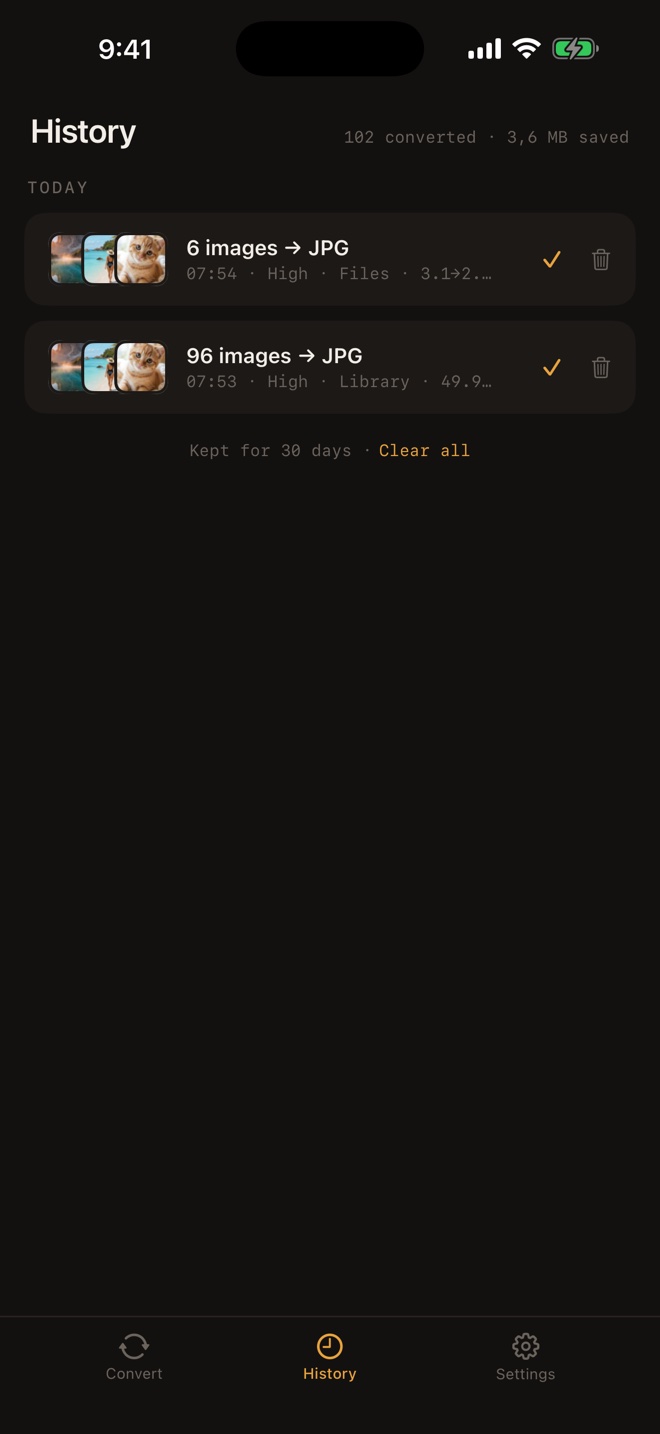
Conversion creates a JPG result. The source HEIC remains in its original location unless you choose to remove it separately.
Can I keep or remove photo metadata?
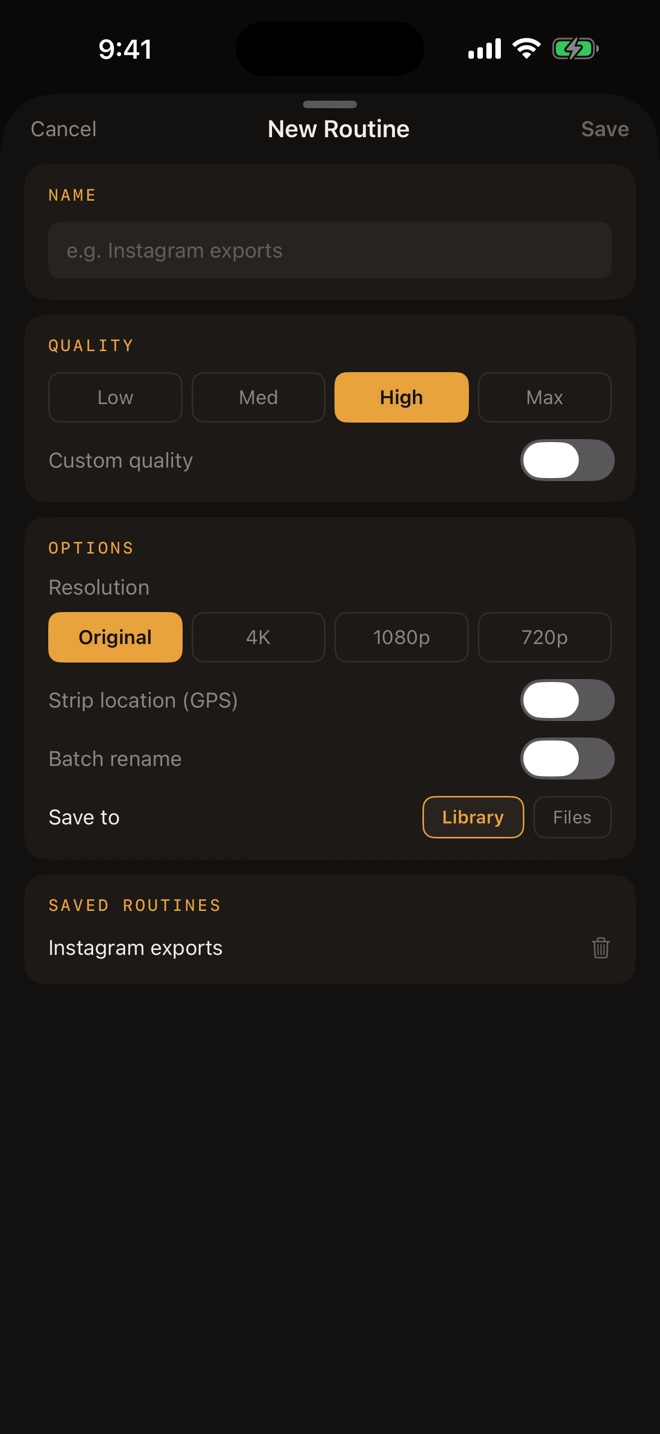
You can choose whether location metadata is kept in or removed from the converted JPG output.
Does converting HEIC to JPG reduce quality?
JPG uses lossy compression, so the output-quality setting matters. Higher quality generally preserves more visible detail and creates a larger file. Adjusting resolution also changes the number of pixels in the output.
Where are converted JPGs saved?
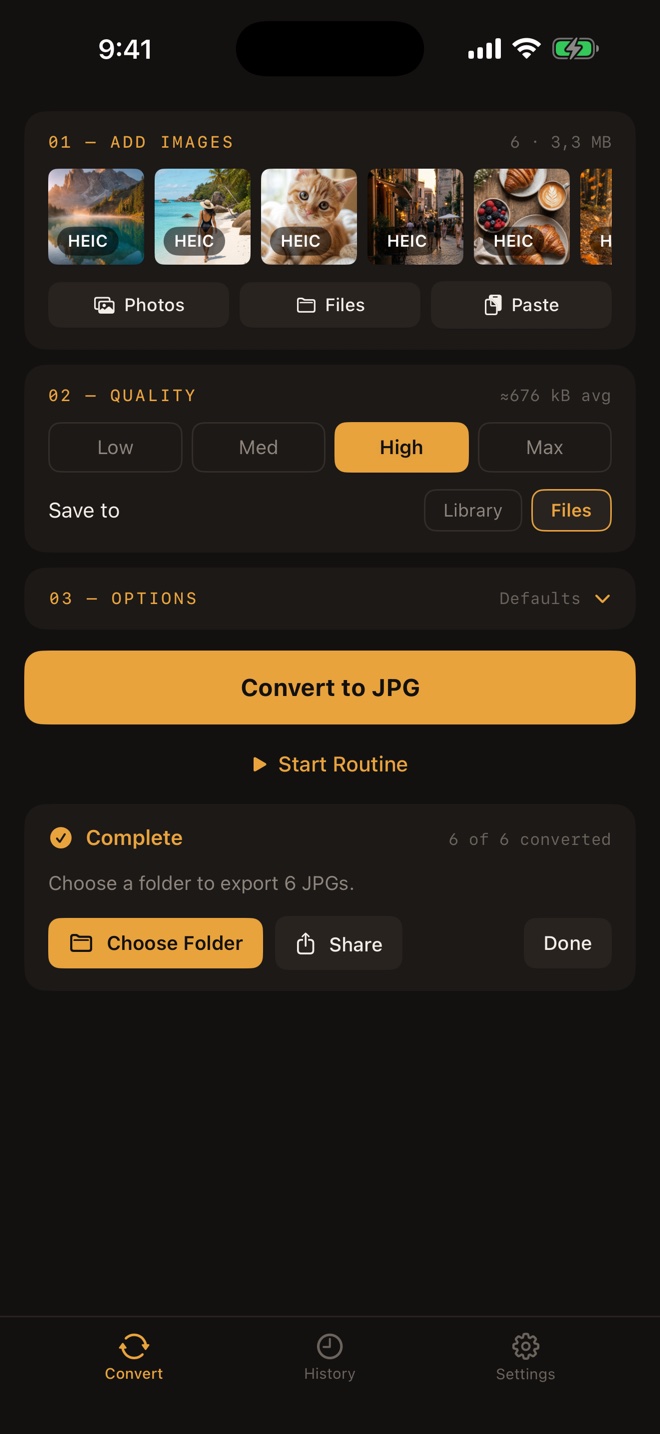
You can save converted JPG files to Photos or Files, depending on how you want to organize or use them.

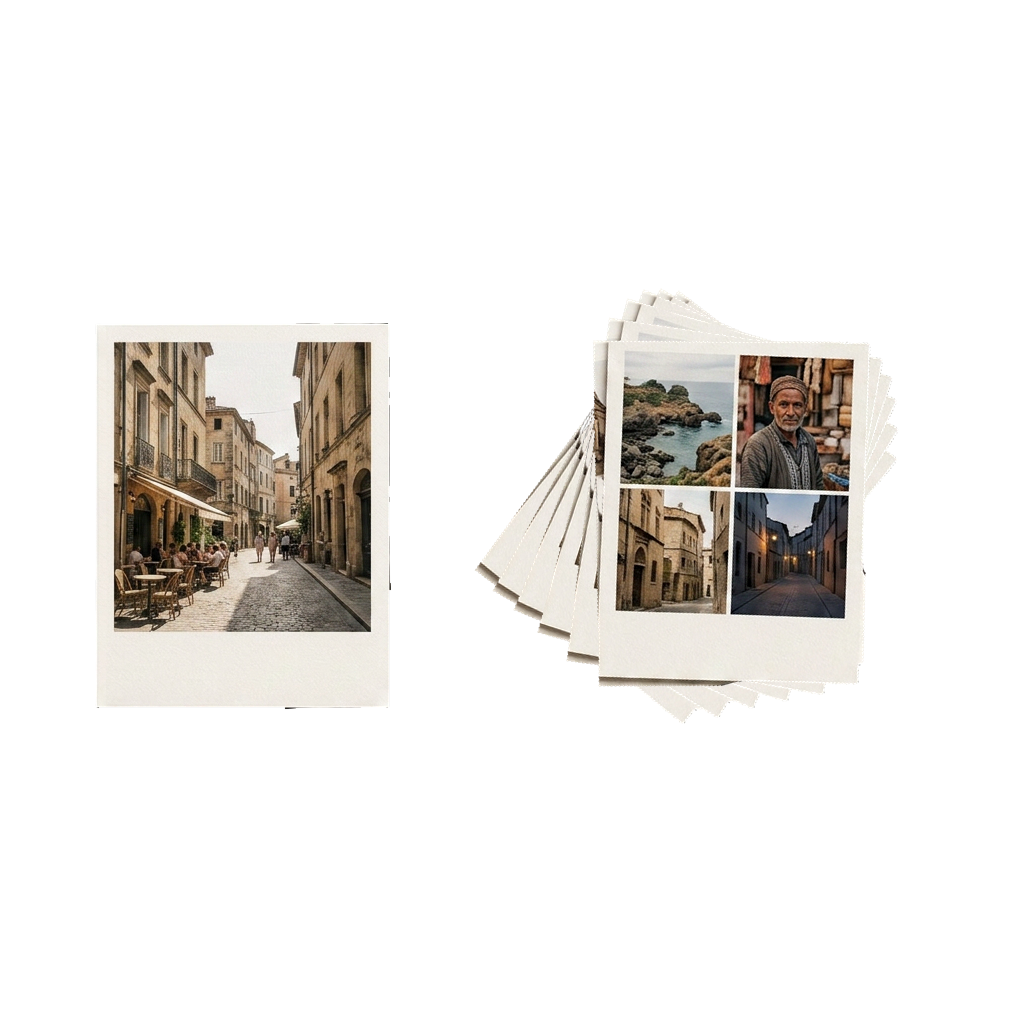 Multiple files selected